In today’s digital landscape, social media platforms like Instagram are essential for brand visibility and audience engagement. For users looking to enhance their content sharing experience, the Instagram carousel repost app is proving to be a game changer. This article will explore the advantages of using these apps, their functionalities, and how they can help in promoting your Instagram presence effectively.
Understanding Instagram Carousel Posts
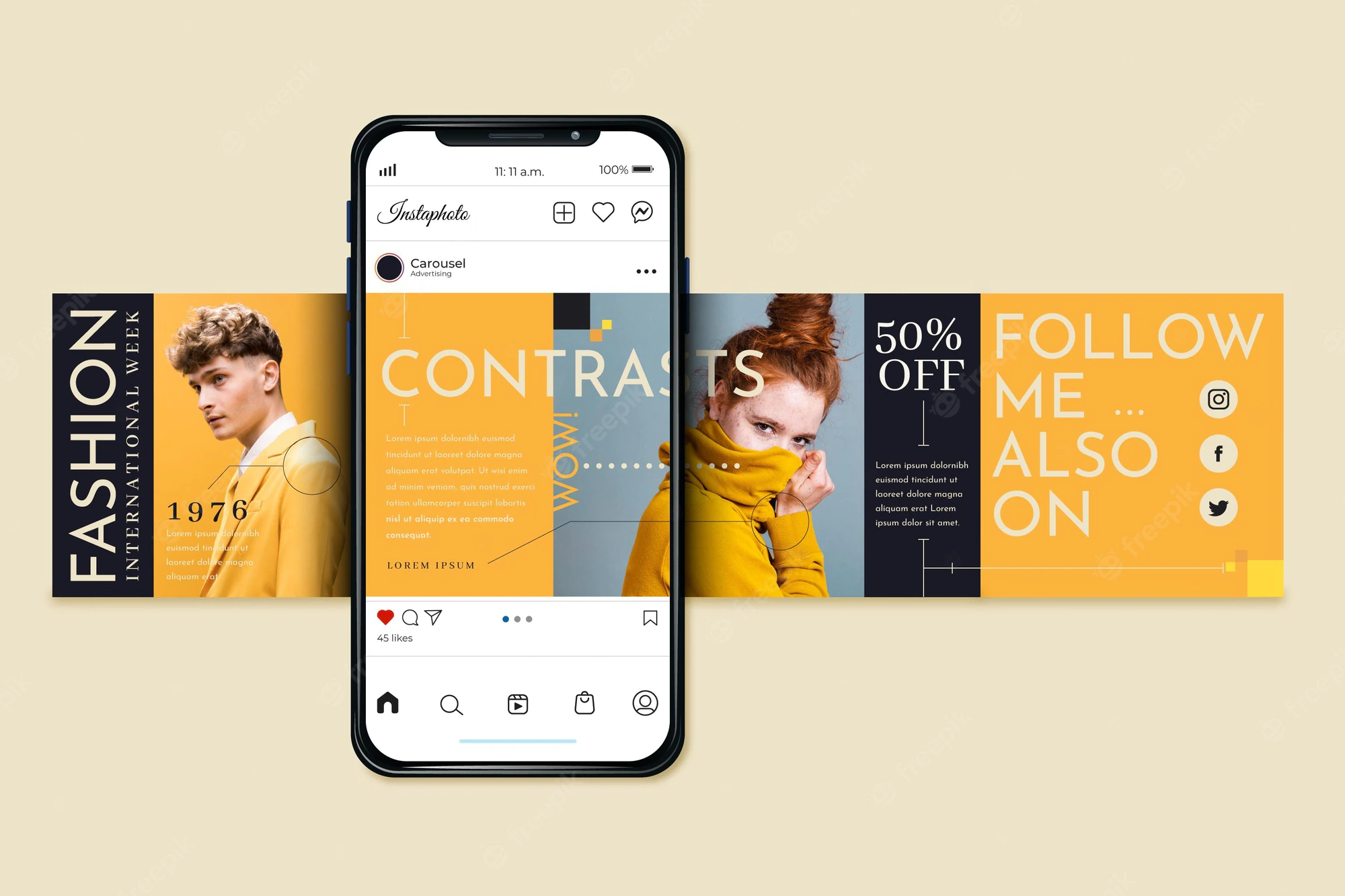
Instagram carousel posts allow users to share multiple photos or videos in a single post, providing a more dynamic and engaging experience for followers. Users can swipe through the carousel, making it an effective way to tell stories, showcase products, or share tutorials. With the rise of carousel posts, users and brands are increasingly looking for tools to enhance their Instagram engagement and reach.
Why Use a Carousel Repost App?
As Instagram fosters a community-driven environment, reposting content has become a common practice. Instagram carousel repost apps simplify this process by allowing users to re-share carousel posts from other accounts while giving proper credit. This not only enhances user engagement but also saves time, ensuring that quality content reaches a wider audience. Here are some notable benefits:
- Boost Visibility: Reposting high-quality content from industry peers can increase your account visibility among their followers.
- Content Curation: These apps help in curating content that resonates with your audience, keeping your feed fresh and engaging.
- Brand Collaboration: Reposting can foster relationships with other brands or influencers, paving the way for future collaborations.
- Analytics Insights: Many repost apps provide insights on engagement rates, helping you tailor your content strategy effectively.
How Do Instagram Carousel Repost Apps Work?
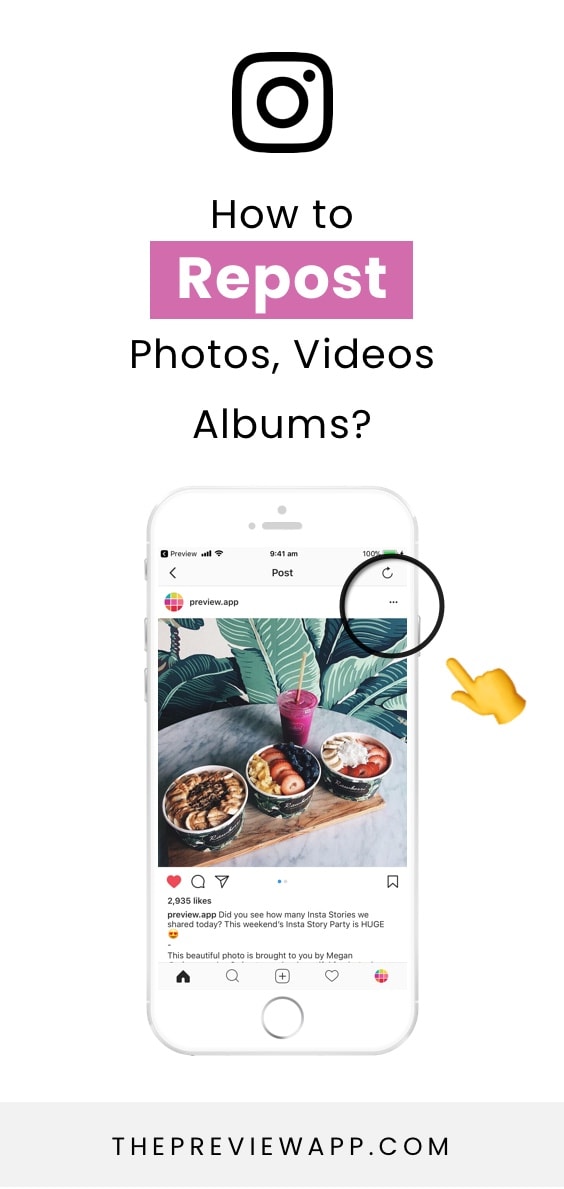
Instagram carousel repost apps typically function by allowing users to share existing posts while maintaining the original content structure. Here’s a basic step-by-step overview of how these apps generally operate:
- Select the Post: Users can browse their Instagram feed to find a carousel post they wish to repost.
- Copy Link: The app often requires users to copy the link of the post they wish to share.
- Access the App: The repost app provides a simple interface to paste the copied link.
- Customize: Most apps allow users to customize captions and credit the original poster.
- Share: Once satisfied with the edits, users can directly share the redesigned carousel post on their feed.
Tips for Effective Reposting
While using a repost app can be beneficial, following certain best practices can enhance your Instagram strategy. Here are some tips to consider:
1. Choose Relevant Content
Make sure to repost content that aligns with your brand values and speaks to your target audience. Relevancy is key to maintaining engagement and coherence on your feed.
2. Credit the Original Creator
Always give credit to the original poster. This not only fosters goodwill within the Instagram community but also ensures your followers know where to find similar content.
3. Use Custom Captions
While you should credit the original post, using your own unique voice in the caption can help you maintain brand identity. Share your insights or ask questions to encourage audience interaction.
4. Monitor Engagement
After reposting, keep an eye on how the content performs. Engaging with users who comment on your posts can significantly enhance connection and loyalty.
Popular Instagram Carousel Repost Apps
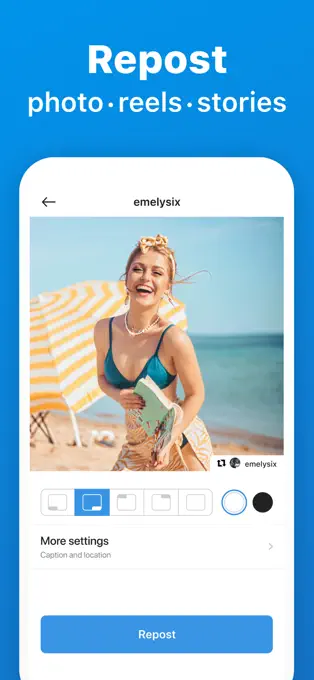
Numerous apps are available to assist users in reposting carousel content effectively. Here are some popular choices:
- Repost for Instagram: A well-known app that allows users to easily repost images and videos while maintaining engagement.
- Regrammer: This app focuses on simplicity, enabling straightforward reposts of images and carousels quickly.
- InstaRepost: InstaRepost enables users to share photos and videos easily while providing customization options.
Conclusion
Instagram carousel repost apps are a valuable asset for any user looking to enhance their social media strategy. By utilizing a repost app, you can streamline content sharing, effectively engage with your audience, and ensure that high-quality content continues to circulate within your network. Embrace these tools and watch your Instagram presence flourish, creating a dynamic and engaging platform for you and your followers.